By Eric Andrew Kristof, RN, CAHIMS | Healthcare IT Professional | HIMSS Arkansas Chapter Member
About This Series: The HIMSS Word of the Day is a running blog series drawing from the HIMSS Dictionary of Health Information and Technology Terms, Acronyms, and Organizations, 6th Edition (2025) — the authoritative reference for healthcare IT professionals and the primary study resource for CAHIMS and CPHIMS certification. Each post paraphrases the term in plain language, grounds it in real-world healthcare IT context, and adds a bedside nursing perspective you won’t find in a textbook.
📖 The Term: Interface
Source: HIMSS Dictionary of Health Information and Technology Terms, Acronyms, and Organizations, 6th Edition (2025)
🔍 Plain-Language Definition
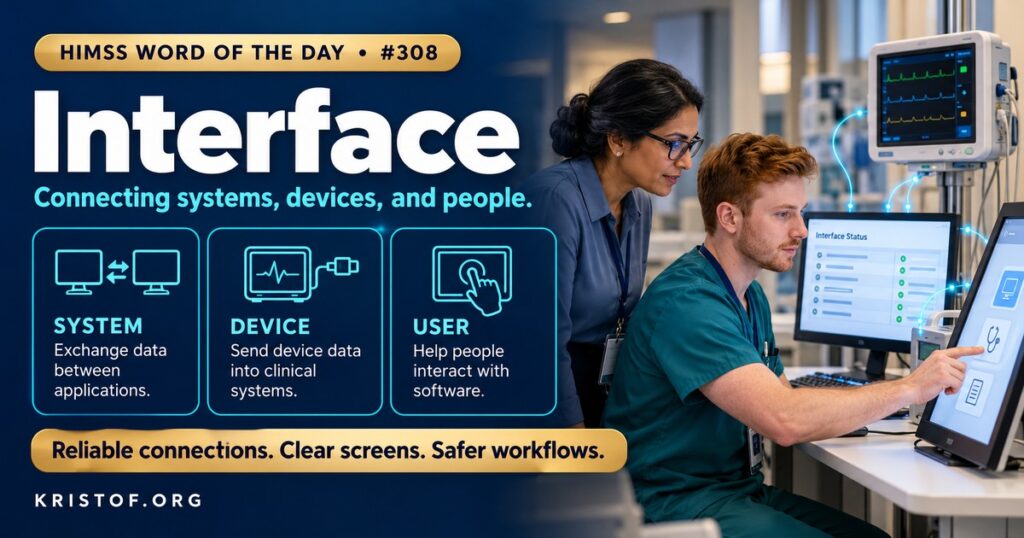
An interface is hardware or software built to pass information between devices, between programs, or between a computer and a person. That short HIMSS Dictionary definition covers two quite different things in health care.
A system interface (or technical interface) connects two applications or devices so they can exchange data automatically: the laboratory system sending results to the EHR, an ADT feed telling downstream systems about admissions and transfers, a barcode scanner sending a scan to the medication application, or a monitor feeding vital signs to a flowsheet. Many of these use the HL7 Version 2 messaging standard, which HL7 publishes as a product suite with versions such as 2.5.1, and organizations often manage them through an interface engine that receives, translates, and routes messages.
A user interface is what a person sees and touches: screens, menus, buttons, alerts, and voice or touch controls. A good user interface makes the right action easy and the wrong action hard. A poor one hides information, demands extra clicks, or invites error.
| Interface Type | Between | Example | Typical Failure |
|---|---|---|---|
| System interface | Two systems or devices | Lab results into the EHR | Message fails silently or maps wrongly |
| Device interface | Medical device and system | Monitor to flowsheet | Data not validated before filing |
| User interface | Person and software | Medication administration screen | Confusing layout, excess clicks |
| Application programming interface (API) | Applications over the web | FHIR data request | Incomplete or inconsistent data |
⚠️ Exam Alert: An interface moves data or presents information to a user; interoperability is the ability of systems to exchange and use data; an interface engine is middleware that routes and translates messages. Do not confuse a system interface with a user interface, and note that HL7 v2 is a messaging standard.
🌐 Why It Matters: Real-World Healthcare IT Context
Interfaces are everywhere, and both kinds shape how safely and efficiently care is delivered.
System interfaces affect whether information arrives where it is needed. Earlier in this series, studies of care coordination found that missing or delayed information across disparate EHR systems was a persistent barrier in transitions of care, and that lack of interoperability led to inefficient processes and missing data. Many of those gaps are interface problems at heart: a feed that was never built, a message that fails and nobody notices, or a field that maps to the wrong place. Interface teams therefore monitor queues and error logs, test with realistic data, and treat every change on either side as a risk.
User interfaces have a large evidence base because they affect every clinician every day. A 2025 scoping review in the Journal of Evaluation in Clinical Practice searched for studies from 2007 to 2024 on usability challenges that contribute to documentation burden and workflow disruption. Of 2,387 records, 28 studies met inclusion criteria, using qualitative, mixed methods, and time-motion designs. The studies found that poorly designed interfaces caused frequent workflow disruption through task-switching, excessive and prolonged screen navigation, and fragmented critical information across the EHR. Clinicians often responded with workarounds, such as duplicating documentation or using external tools, which increased the risk of data entry errors and lengthened documentation time. The authors argued for a human factors approach that streamlines information retrieval, improves interface usability, and removes unnecessary complexity. The review combines studies of varied quality and settings, so it supports general conclusions and not precise estimates.
The decision support literature adds a safety angle. A 2006 review of the safety and quality of decision support systems noted that electronic medication management systems may generate new types of error because of user-interface design, as well as because of workplace distractions, and described automation biases, such as following a prompt even when it contradicts training or missing data the system did not prompt the user to notice. These concerns still apply to current systems with many alerts and prompts.
For informatics teams, interface work is mostly disciplined process. For system interfaces, they define the clinical purpose and the data elements, agree on code sets, document message specifications, build in the test environment, test with real scenarios, and set up monitoring with alerts that reach a person. They plan for upgrades and downtime. For user interfaces, they involve clinicians early, test prototypes with representative users, measure time and errors, and watch for workarounds after go-live, since a workaround is a sign that the design does not fit the work. Governance groups review requests for new screens and alerts so that each addition is weighed against the burden it creates.
Common interface problems:
- System interfaces that fail without alerting anyone
- Different code sets or definitions across connected systems
- Screens that scatter related information
- Excess clicks and navigation for routine tasks
- Workarounds that duplicate work or bypass safeguards
- Changes made without testing or user input
What supports good interfaces:
- Clear clinical purpose and data specification for each connection
- Active monitoring of interface queues and errors
- Testing with real data and realistic scenarios
- Human factors methods and clinician involvement in design
- Review of workarounds after go-live
- Governance of new screens, alerts, and connections
🏥 The Nurse’s Perspective: Clinical, Bedside, & Workflow
Nurses depend on both kinds of interface every shift and see their failures first.
At the Bedside
At the bedside, a system interface problem looks like a missing result, a monitor value that did not file, or an order that did not reach pharmacy. A user interface problem looks like a screen that takes too many steps to chart a routine assessment. Nurses who describe exactly what they were doing, what they expected, and what happened give analysts what they need.
In Clinical Workflow
Nurse managers track recurring complaints, such as documentation that requires switching between screens, and bring them to governance groups. They notice when staff develop workarounds, such as paper notes or copying data, and treat them as design feedback.
Nurse informaticists translate clinical needs into interface specifications, take part in testing, and review screens for clutter and ambiguity. They are well placed to explain why a design that looks sensible to a builder does not fit the pace of a unit.
In EHR Implementation (Go-Live Perspective)
An Epic Go-Live is the first time many interfaces carry live patient data. At-the-elbow support analysts and the command center collect tickets, group them by cause, and send interface problems to the integration team and screen problems to the build team, with specific examples so that fixes can be targeted.
🎓 CAHIMS / CPHIMS & HIMSS Perspective
CAHIMS Exam Domain Mapping
Interfaces appear in architecture, usability, and testing questions:
| CAHIMS Domain | How Interfaces Appear |
|---|---|
| Healthcare & Technology Environments | Standards organizations, certification, device regulation |
| Clinical Informatics | Human factors, workflow, usability, alerts |
| Healthcare Information & Systems Management | HL7 interfaces, engines, testing, monitoring |
| Management & Leadership | Governance of changes, vendor management, optimization |
Key Terms to Know Alongside Interface
- HL7 Version 2 — widely used messaging standard for clinical and administrative data
- Interface Engine — middleware that receives, translates, and routes messages between systems
- User Interface (UI) — screens and controls through which a person uses software
- Usability — extent to which users can achieve goals effectively, efficiently, and with satisfaction
- Workaround — informal method used to get a task done when a system does not support it
- Application Programming Interface (API) — defined way for programs to request services or data from each other
HIMSS Organizational Position
HIMSS supports interoperability and usable, safe health information systems through its public policy work, research, and education. Members can find related resources through the HIMSS Resource Center.
🔗 Explore Further: External References
- HL7 International — HL7 Version 2 Product Suite https://www.hl7.org/implement/standards/product_brief.cfm?product_id=185
- HL7 International — HL7 Messaging Standard Version 2.5.1 https://www.hl7.org/implement/standards/product_brief.cfm?product_id=144
- Olakotan et al. (2025), Journal of Evaluation in Clinical Practice — Usability Challenges in Electronic Health Records: Impact on Documentation Burden and Clinical Workflow: A Scoping Review https://pubmed.ncbi.nlm.nih.gov/40581989/
- Coiera et al. (2006), Yearbook of Medical Informatics — The Safety and Quality of Decision Support Systems https://pubmed.ncbi.nlm.nih.gov/17051290/
- NIST — Health Information Technology Usability https://www.nist.gov/programs-projects/health-information-technology-usability
Term source: HIMSS Dictionary of Health Information and Technology Terms, Acronyms, and Organizations, 6th Edition (2025). All definitions in this series are paraphrased for editorial purposes. Readers are encouraged to consult the primary source for exact language.
Eric Andrew Kristof, RN, CAHIMS is a Healthcare IT professional and HIMSS Arkansas Chapter member based in Hot Springs Village, AR, with hands-on Epic Go-Live experience and a diverse healthcare and IT background. He writes at kristof.org at the intersection of clinical care and healthcare technology.
Leave a Reply